Description
Key Technical Specifications
| Parameter | Specification |
|---|---|
| Product Model | MWS10A |
| Manufacturer | Hirschmann / Belden (reported) |
| Product Type | Industrial Ethernet switch (reported) |
| Switching Layer | Layer 2 (reported) |
| Ethernet Ports | Not confirmed |
| Port Speed | Not confirmed |
| Power Supply | Not confirmed |
| Redundancy Protocols | Not confirmed |
| Network Management | Not confirmed |
| Mounting Method | Not confirmed |
| Operating Temperature | Not confirmed |
| Protection Rating | Not confirmed |
Important: Some secondary listings claim 10 × 10/100BASE-TX RJ45 ports, 24 VDC input, and HIPER-Ring/MRP support. Other listings describe a different port arrangement and broader power options. These specifications should not be combined or published as confirmed MWS10A data.
Product Introduction
Hirschmann MWS10A Industrial Ethernet Switch
The Hirschmann MWS10A is identified in secondary industrial spare-part listings as an Ethernet switch intended for industrial network applications. Its reported function is to connect automation equipment such as PLCs, controllers, drives, and monitoring devices over an industrial Ethernet network.
The exact hardware configuration remains uncertain because an MWS10A-specific manufacturer datasheet was not located. Hirschmann’s official documentation confirms its wider industrial switch portfolio, including managed Ethernet and MICE-family products, but does not establish the MWS10A’s detailed specifications.
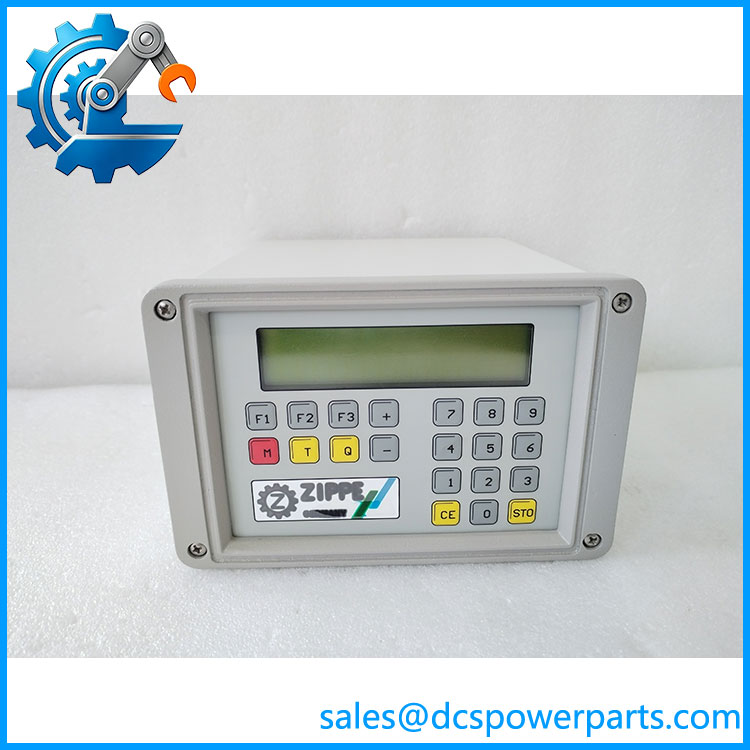
MWS10A
Application Scenarios & Field Pitfalls
If the unit is confirmed as an industrial Ethernet switch, potential applications include:
- PLC communication networks: Connecting controllers, remote I/O stations, and supervisory systems.
- Drive and motion-control networks: Providing Ethernet connectivity between automation devices, subject to protocol compatibility.
- Process automation cabinets: Supporting communication between control-system components.
- Industrial equipment maintenance: Replacing a failed network switch while retaining the existing network architecture.
Field Pitfalls
- Do not assume port equivalence. Check the actual copper and fiber port arrangement, connector types, and supported link speeds before ordering a replacement.
- Verify power requirements. Confirm the input voltage, polarity, terminal arrangement, and any redundant power connections from the unit’s nameplate.
- Check network configuration. If the installed switch is managed, record VLANs, ring settings, management IP, and port assignments before removing it. A replacement with different firmware or management features may require network reconfiguration.
Related Products
These are Hirschmann product families or documented switch references for technical comparison, not confirmed direct replacements:
- MS20 — Hirschmann industrial Ethernet switch family documented for managed switching applications.
- MS30 — Industrial Ethernet switch family documented alongside MS20.
- PowerMICE — Modular industrial Ethernet switch family with separate installation documentation.
- RS20 — Hirschmann industrial Ethernet switch family documented in the manufacturer’s product documentation.
- RS30 — Industrial Ethernet switch family for comparison when checking legacy network hardware.
Procurement and compatibility note: Before treating as a confirmed managed switch or selecting a replacement, obtain a photograph of its front panel, side label, and power terminals. The complete type designation and hardware revision are needed to establish the correct configuration.