Description
Key Technical Specifications
| Parameter | Value |
|---|---|
| Manufacturer | Metso Automation / Valmet |
| Model | IOP111 |
| Part Number | 080401 |
| Product Type | Output I/O Module |
| System Family | Valmet Automation DCS |
| Module Function | Process output interface |
| Signal Type | System-dependent analog/digital output signals |
| Installation | Valmet controller I/O rack |
| Communication | Internal DCS I/O communication bus |
| Configuration | Hardware and software configured through Valmet engineering tools |
| Application | Industrial process control |
| Typical Industries | Pulp & paper, energy, chemical, manufacturing |
| Mounting Type | Rack-mounted module |
Product Introduction
Metso Automation IOP111 Overview
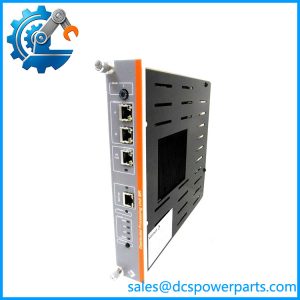
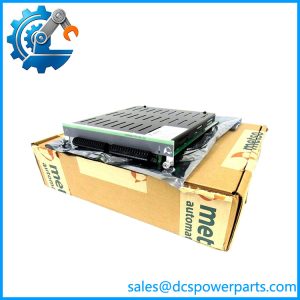
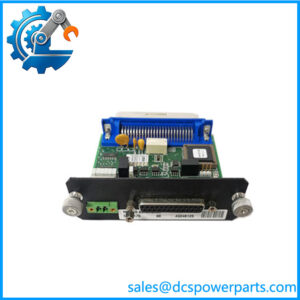
The Metso Automation IOP111 is an industrial I/O module designed for Valmet automation and distributed control systems. It provides the interface between the DCS control layer and field equipment, allowing process commands generated by the controller to be transferred reliably to external devices.
The Metso IOP111 080401 belongs to the family of process control modules developed for demanding industrial environments. These modules are typically installed in automation cabinets where continuous communication between controllers and field instrumentation is required. In applications such as pulp and paper production, energy facilities, and process plants, I/O modules form the connection point between software-based control logic and physical plant equipment.
The Valmet IOP111 module supports field-level control operations by handling output signal transmission from the automation system. Depending on the installed system configuration, output modules such as the IOP111 may be used for controlling valves, actuators, motor interfaces, alarms, and other process devices.
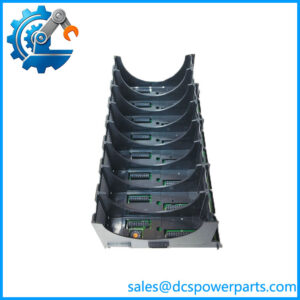
The Metso Automation is designed to operate as part of a complete Valmet DCS architecture rather than as an independent controller. Proper operation depends on the installed controller hardware, I/O rack configuration, communication bus, engineering database, and application software.
The remains relevant in many long-life industrial installations where customers continue operating proven Valmet automation platforms. For maintenance teams supporting older process systems, replacing an I/O module requires more than matching the catalog number. Hardware revision, rack position, configuration files, and field wiring must all be verified before returning the system to service.
When replacing a , engineers should record the existing channel assignments, terminal wiring, module configuration, and diagnostic information. This information helps prevent commissioning delays caused by incorrect I/O mapping or configuration mismatch.
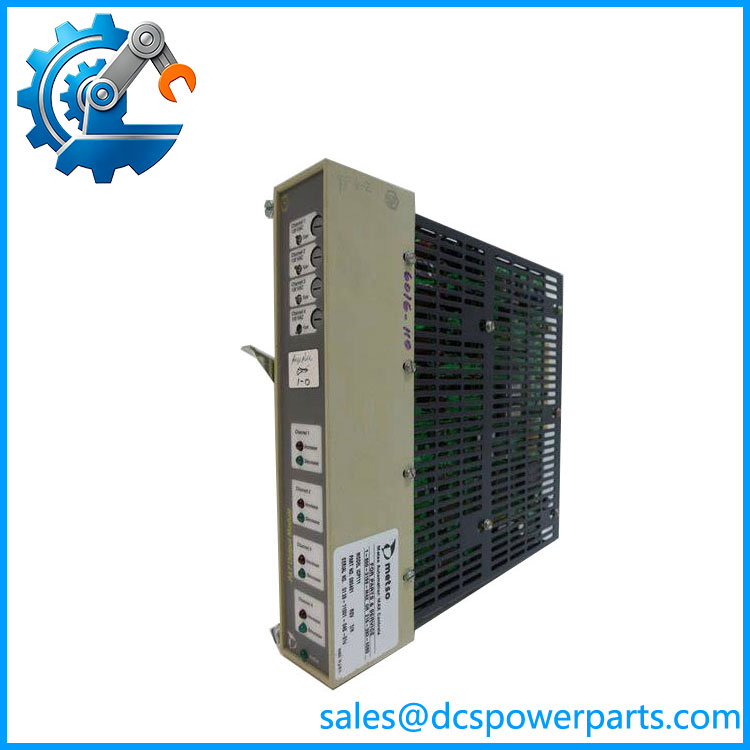
IOP111
Application Scenarios & Field Considerations
Engineering Pain Point
Common issues associated with modules include:
- Loss of field output signals
- Process equipment not responding to commands
- Communication faults between controller and I/O rack
- Channel diagnostic alarms
- Intermittent plant control problems
The module may be involved, but engineers should also inspect:
- Controller communication status
- I/O rack power supply
- Terminal blocks
- Field wiring
- Configuration database
Recommended troubleshooting steps:
- Check module status indicators
- Review DCS diagnostics
- Verify I/O channel configuration
- Measure field output signals
- Inspect terminal connections
- Compare replacement module revision
The Metso Automation is part of a larger control chain, and fault isolation should include the controller, communication network, I/O hardware, and field device.
Typical Applications
Pulp and Paper Industry
Used for:
- Valve control
- Process regulation
- Machine automation
- Production line monitoring
Power Generation
Applied for:
- Auxiliary system control
- Plant process automation
- Equipment status interfaces
Chemical and Process Plants
Used for:
- Flow control
- Pressure regulation
- Batch process automation
- Field device control
Industrial Manufacturing
Applied in:
- Production automation
- Equipment monitoring
- Distributed control applications
Technical Pitfalls to Avoid
1. Confirm Exact Hardware Version
Verify:
- model number
- 080401 ordering code
- Hardware revision
- Existing DCS platform
Different I/O modules within the same family may not be interchangeable.
2. Check Configuration Database
Confirm:
- Channel assignments
- Signal types
- Engineering scaling
- Alarm settings
3. Inspect Field Wiring
Check:
- Terminal connections
- Cable insulation
- Loop continuity
- External power supply
4. Preserve Existing Parameters
Before replacement:
- Backup DCS configuration
- Record I/O mapping
- Photograph wiring arrangement
- Save diagnostic information
Related Products
- Valmet DNA Automation System
Modern Valmet control platform used in process industries. - Metso Automation I/O Modules
Legacy process control modules used in Valmet DCS installations. - Valmet Process Control Hardware Series
Distributed I/O and controller components supporting industrial automation applications. - Metso MAX Controls System Components
Earlier generation automation hardware used in pulp and paper applications.