Description
Product Introduction (Non-Templated)
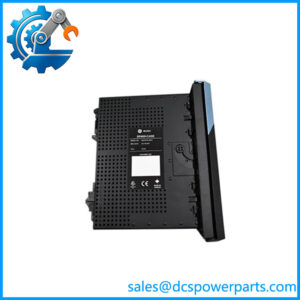
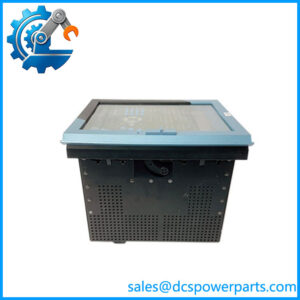
Operator visualization panels deployed on continuous industrial packaging lines or manufacturing skids take a severe beating from constant operator inputs, extreme ambient temperatures, and airborne dust. When a legacy HMI screen fails or suffers backlight burnout during a critical production run, operators lose immediate visibility into process faults, grinding plant output to a sudden halt—which is precisely where this replacement QuickPanel Plus steps in.
Plant automation engineers managing legacy GE control system architectures rely on this exact HMI model to restore seamless graphical interfacing without rewriting application logic. Integrating a verified replacement terminal guarantees immediate communication handshake with existing PLCs while bringing critical line monitoring back online instantly.
Key Technical Specifications
- Manufacturer: GE Fanuc / Emerson
- Product Series: QuickPanel Plus
- Display Size: 6-inch diagonal TFT Color LCD
- Operating System: Windows Embedded Compact
- Communication Ports: Ethernet (RJ45), RS-232 / RS-485 serial ports, and USB host/client interfaces
- Power Supply Requirement: 24 VDC nominal (pelv/selv isolated power source)
- Enclosure Rating: NEMA 4X / IP65 front panel washdown protection (when properly mounted)
- Operating Temperature: 0 °C to +50 °C (+32 °F to +122 °F)
- Mounting Cutout: Standard panel cutout configuration for flush cabinet door installation
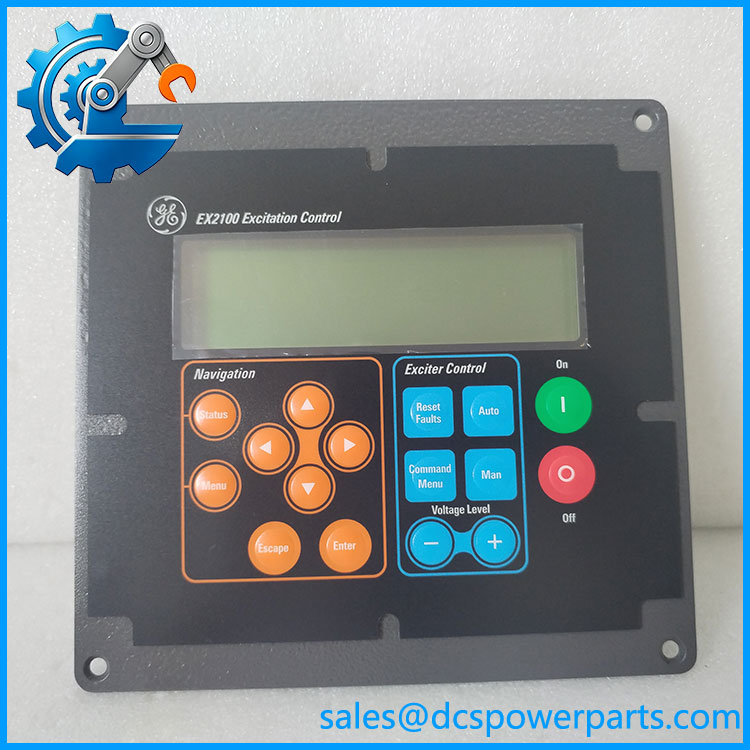
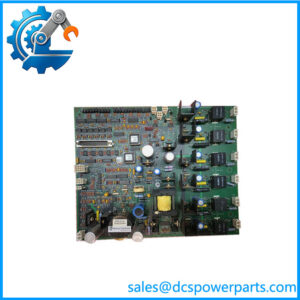
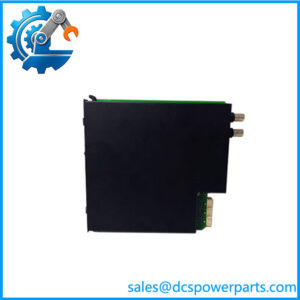
IC752SPL013-BA
Application Scenarios & Pain Points
When an unsealed operator interface panel suffers touch-digitizer failure due to moisture ingress during a factory washdown shift, plant operators are locked out of critical recipe adjustments and fault-clearing screens.
- Automated Packaging Lines: Deployed on machine frontends to manage high-frequency batch recipe changes and cycle-status monitoring.
- Water Treatment Control Enclosures: Installed in remote pump station panels to track raw water flow rates, tank levels, and system alarm logs.
- Material Handling Skids: Used across conveyor routing cells to display real-time divert positions and motor status indicators.
A major beverage bottling facility in the Midwest suffered sudden backlight failure on an aging HMI screen during the middle of a high-demand production shift. Swapping the failing unit with this factory-original GE QuickPanel Plus restored graphical operations instantly, avoiding hours of costly manual downtime and preserving shift quotas.
Related Products
- GE Fanuc IC693CPU374: Core Series 90-30 PLC processor frequently paired with QuickPanel HMI networks.
- GE VersaMax Micro PLC: Compact controller series often communicating via serial or Ethernet links to the HMI.
- Proficy Machine Edition (PME): Dedicated programming software environment used to develop and download screen projects to the IC752SPL013-BA.
- 24VDC Industrial Power Supply Units: Regulated power modules supplying clean DC power to the HMI terminal block.
- GE QuickPanel Mounting Gasket Kits: Replacement rubber seal seals ensuring NEMA 4X enclosure integrity upon panel reinstallation.
The Engineer’s Guide: Field Pitfalls to Avoid
- WARNING: Hot-Working Without 24VDC Power Isolation. Wiring the 24VDC power supply while the source is live can generate micro-arcs or voltage surges that fry the internal power regulation board. How to avoid: Always isolate the local DC power feed and verify zero voltage potential before touching the terminal plug.
- WARNING: Over-Tightening Panel Mounting Clamps. Cranking down too aggressively on the plastic enclosure retention clips warps the front bezel, ruining the IP65 gasket seal and cracking the touchscreen glass. How to avoid: Tighten mounting clips evenly and sequentially to the manufacturer’s recommended torque specification.
- WARNING: Project Version Incompatibilities. Attempting to download an incompatible project build version via Proficy Machine Edition can result in runtime communication errors or locked bootloader loops. How to avoid: Always back up your project configuration file and verify target runtime versions before performing a project migration.
Frequently Asked Questions (FAQ)
- Can I transfer my existing application project directly from an older QuickPanel model to this Plus unit? Well, technically project files require migration through Proficy Machine Edition (PME) to adapt target device drivers and screen resolution parameters before downloading to the IC752SPL013-BA.
- What are the primary indicators that the display backlight has failed? Symptomatic signs include a completely dark screen while the unit’s communication LEDs and internal processor remain active, or a faint image visible only when shining a flashlight directly onto the display surface.
- Does this operator terminal require an external battery backup for internal memory? The QuickPanel Plus series utilizes non-volatile flash memory to store application projects and retain system data, reducing reliance on internal maintenance batteries.
- What type of documentation accompanies a verified surplus or refurbished HMI unit? Reputable industrial automation suppliers provide static bench-test validation check sheets, screen calibration verifications, and a standard 12-month operational warranty covering hardware integrity.
- How should I clean the touch screen surface safely during routine maintenance? Use a soft, lint-free cloth dampened with isopropyl alcohol or mild window cleaner; never use abrasive scouring pads, harsh chemical solvents, or sharp metal styluses that can scratch the digitizer overlay.